
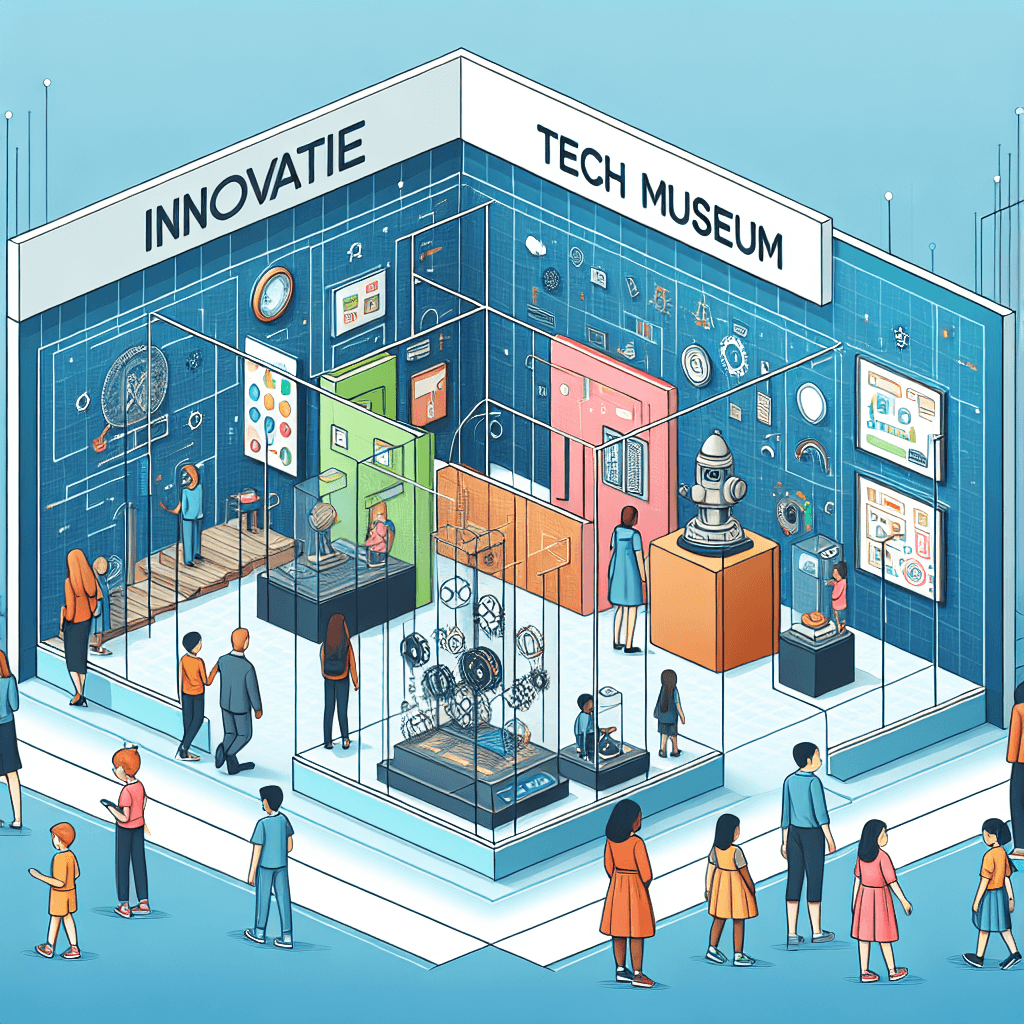
Blueprint for Innovation: Design a Tech Museum
Inquiry Framework
Question Framework
Driving Question
The overarching question that guides the entire project.How can we design an engaging tech museum that showcases the evolution and impact of coding and gadgets, ensuring we highlight essential components, the interplay of hardware and software, and societal transformations in technology?Essential Questions
Supporting questions that break down major concepts.- What are the key components and functions of computer hardware that should be featured in a tech museum?
- How does software interact with hardware to perform computing tasks?
- What innovations in computer technology have significantly impacted society and should be showcased in the museum?
- How can the design of a tech museum make complex computer science concepts accessible and engaging to the public?
- What criteria should be used to select the most influential software and hardware for the museum exhibits?
Standards & Learning Goals
Learning Goals
By the end of this project, students will be able to:- Understand the key components and functions of computer hardware.
- Comprehend how software interacts with hardware to perform computing tasks.
- Analyze significant innovations in computer technology and their societal impacts.
- Design an exhibit that communicates complex computer science concepts in an accessible and engaging way.
- Evaluate and select influential software and hardware for museum exhibits based on established criteria.
IGCSE Computer Science
Entry Events
Events that will be used to introduce the project to studentsMystery Tech Box Unveiling
Students find a sealed mystery box in the classroom marked with 'Tech Museum Secrets'. As they open it, they discover a variety of outdated, present, and conceptual tech artifacts and are challenged to explore the evolution and future of technology, laying a foundation for their museum blueprint.Portfolio Activities
Portfolio Activities
These activities progressively build towards your learning goals, with each submission contributing to the student's final portfolio.Mystery Box Analysis
Students explore the contents of a mystery box filled with various tech artifacts, both outdated, current, and conceptual, to understand the evolution of technology. This activity sets the stage for further exploration into tech advancements.Steps
Here is some basic scaffolding to help students complete the activity.Final Product
What students will submit as the final product of the activityA presentation categorizing tech artifacts with historical context and societal impact.Alignment
How this activity aligns with the learning objectives & standardsAligns with IGCSE Computer Science standards 4.1.1 and 4.1.3 by examining hardware and software functions and their societal transformations.Hardware Functionality Deep Dive
Students delve into understanding the key components and functions of computer hardware, focusing on how they can be featured in a museum setting.Steps
Here is some basic scaffolding to help students complete the activity.Final Product
What students will submit as the final product of the activityDetailed diagrams and interactive exhibit proposals for key hardware components.Alignment
How this activity aligns with the learning objectives & standardsTargets IGCSE Computer Science standard 4.1.1 by focusing on the functions of computer hardware.Software and Hardware Interplay Workshop
This activity helps students understand how software and hardware work together to execute computing tasks, vital for accurate museum presentations.Steps
Here is some basic scaffolding to help students complete the activity.Final Product
What students will submit as the final product of the activityA coherent exhibit design displaying the interplay between selected software and hardware components.Alignment
How this activity aligns with the learning objectives & standardsMeets IGCSE Computer Science standard 4.1.1, focusing on understanding the interaction between hardware and software.Tech Innovation Timeline
Students create a timeline illustrating significant technological innovations and their societal impacts, emphasizing their selection criteria for museum displays.Steps
Here is some basic scaffolding to help students complete the activity.Final Product
What students will submit as the final product of the activityAn annotated timeline of technological innovations with emphasis on societal impact and criteria for selection.Alignment
How this activity aligns with the learning objectives & standardsSupports IGCSE Computer Science standards 4.1.2 and 4.1.3 by understanding technology's impact on society and evaluating software applications.Exhibit Design Challenge
In this culminating activity, students design a comprehensive exhibit blueprint for their tech museum, applying all the knowledge gained about hardware, software, and societal impacts.Steps
Here is some basic scaffolding to help students complete the activity.Final Product
What students will submit as the final product of the activityA complete blueprint for a tech museum, featuring well-researched and engaging exhibits.Alignment
How this activity aligns with the learning objectives & standardsAligns with all referenced IGCSE Computer Science standards by integrating understanding of hardware and software components and their societal effects into a comprehensive project.Rubric & Reflection
Portfolio Rubric
Grading criteria for assessing the overall project portfolioTech Museum Design Rubric
Understanding of Hardware and Software
Assesses the depth of understanding of computer hardware components and software interactions as expressed in the final blueprint design.Hardware Components Understanding
Measures comprehension of key components of computer hardware presented in the exhibit design.
Exemplary
4 PointsDemonstrates an in-depth understanding of all key hardware components, providing detailed descriptions and accurate functionality depictions.
Proficient
3 PointsShows thorough understanding of most key hardware components, with clear descriptions and mostly accurate functionality depictions.
Developing
2 PointsDisplays basic understanding of some hardware components, with limited descriptions and some inaccuracies in functionality depictions.
Beginning
1 PointsIndicates initial understanding of hardware components, with minimal descriptions and numerous inaccuracies in functionality depictions.
Software and Hardware Interaction
Evaluates the depiction of how software interacts with various hardware components.
Exemplary
4 PointsProvides comprehensive analysis of software and hardware interaction with clear, innovative exhibit ideas demonstrating this relationship effectively.
Proficient
3 PointsOffers clear analysis of most software and hardware interactions, with appropriate exhibit ideas demonstrating these relationships.
Developing
2 PointsDescribes some software and hardware interactions, with basic exhibit ideas, but lacks clarity or completeness in depiction.
Beginning
1 PointsDescribes minimal software and hardware interactions, with unclear or incomplete exhibit ideas.
Innovations and Societal Impact
Assesses students' ability to evaluate and articulate the impact of technological innovations on society.Technological Innovations Identification
Assesses the ability to identify significant technological innovations with their societal impacts.
Exemplary
4 PointsIdentifies and describes all major significant innovations, with profound insights into their societal impacts in a detailed and engaging manner.
Proficient
3 PointsIdentifies and describes most significant innovations, with clear understanding of their societal impacts.
Developing
2 PointsIdentifies some significant innovations, with basic descriptions and limited insights into their societal impacts.
Beginning
1 PointsIdentifies few innovations, with vague descriptions and minimal insights into societal impacts.
Design and Communication
Evaluates the creativity, clarity, and effectiveness of the museum exhibit designs in communicating complex concepts to a broad audience.Creativity and Innovation
Measures the innovation and creativity in exhibit design and presentation.
Exemplary
4 PointsExhibits exceptional creativity in design elements, with unique, engaging presentations that clearly communicate complex concepts.
Proficient
3 PointsExhibits creativity with thoughtful design elements and engaging presentations that effectively communicate complex concepts.
Developing
2 PointsShows some creativity in design, with basic engagement and somewhat clear communication of concepts.
Beginning
1 PointsShows limited creativity, with minimal engagement and unclear communication of concepts.
Overall Quality and Clarity
Assesses the overall quality and clarity of the exhibit design and presentation.
Exemplary
4 PointsPresents a highly polished, well-organized blueprint that is clear and informative, with exceptional attention to detail.
Proficient
3 PointsPresents a well-organized blueprint that is mostly clear and informative, with good attention to detail.
Developing
2 PointsPresents an organized blueprint, but with some clarity issues and limited detail.
Beginning
1 PointsPresents a disjointed or unclear blueprint, with minimal detail.