
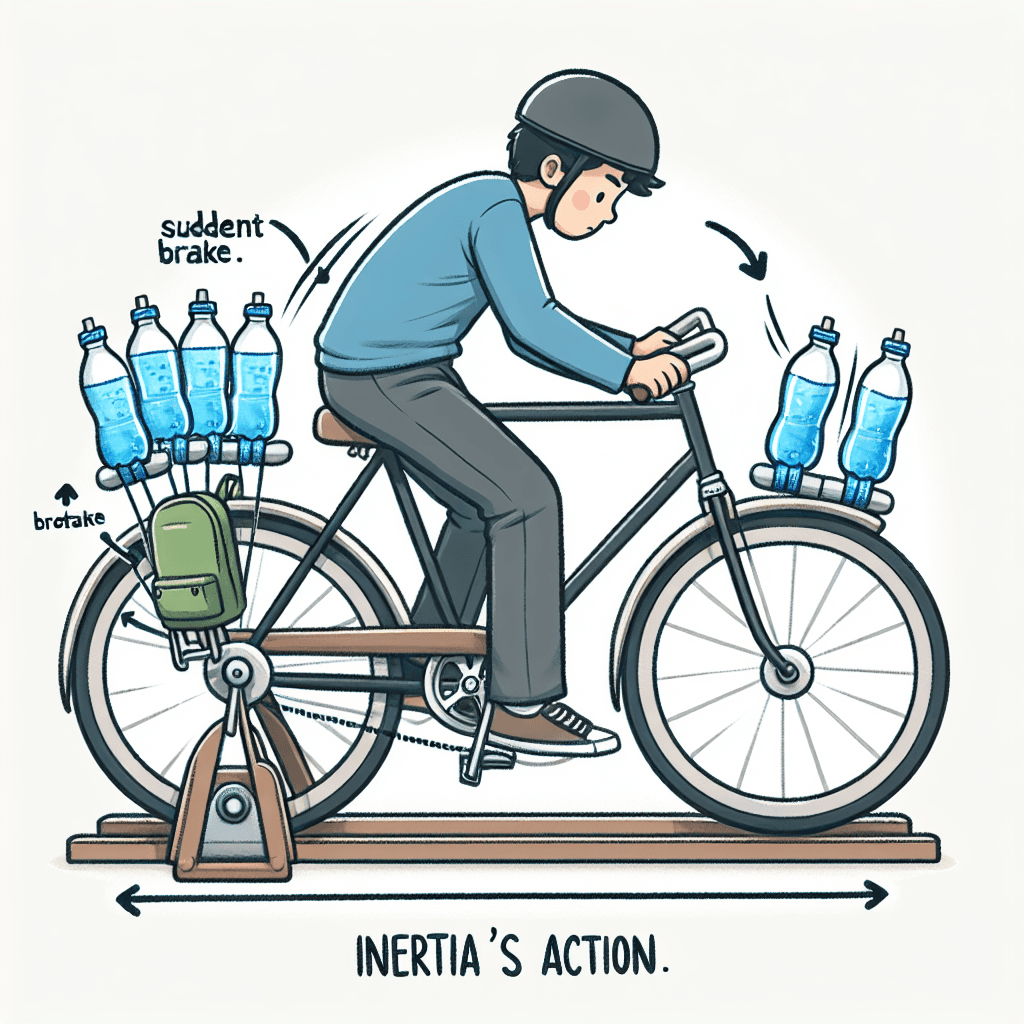
Inertia in Action: Exploring Newton’s First Law
Inquiry Framework
Question Framework
Driving Question
The overarching question that guides the entire project.How can we, as science communicators, use digital tools to reveal the "invisible" forces of Newton's 1st Law and show our community how it impacts our daily movement and safety?Essential Questions
Supporting questions that break down major concepts.- What determines whether an object stays at rest or stays in motion?
- How do balanced and unbalanced forces change the way things move?
- In what ways does Newton’s 1st Law impact our safety and daily activities?
- How can we use digital tools to make "invisible" scientific laws easy for others to understand?
Standards & Learning Goals
Learning Goals
By the end of this project, students will be able to:- Students will accurately define Newton's 1st Law of Motion (the Law of Inertia) and explain the relationship between force, mass, and motion.
- Students will identify and describe real-world examples of Newton's 1st Law, specifically analyzing how balanced and unbalanced forces impact objects in daily life.
- Students will apply the role of a science communicator to translate complex physical laws into clear, visually engaging digital presentations for a non-expert audience.
- Students will use digital presentation tools to effectively organize information, incorporating both textual explanations and visual representations of scientific concepts.
Next Generation Science Standards (NGSS)
Common Core State Standards (ELA/Literacy)
Common Core State Standards (Science & Technical Subjects)
ISTE Standards for Students
Entry Events
Events that will be used to introduce the project to studentsThe Interstellar Drift Emergency
Students receive a mock emergency transmission from a deep-space station reporting that a cargo pod was bumped and is now drifting into the void. They must use simulations to predict the pod's path over the next 50 years if it never hits another object, sparking a debate on why it won't just 'run out of gas' and stop.The Lazy Object Olympics
Students are invited to the 'Lazy Object Olympics,' where the goal is to win medals for objects that are the best at 'doing nothing.' They must compete to find the object that is hardest to start moving and the object that is hardest to stop, leading to a discussion on how mass and inertia define 'stubborn' physics.Portfolio Activities
Portfolio Activities
These activities progressively build towards your learning goals, with each submission contributing to the student's final portfolio.The Inertia Blueprint: Breaking Down the Law
Before creating their final slideshow, students must act as 'Inertia Translators.' They will take the technical definition of Newton’s 1st Law and break it down into manageable concepts: 'At Rest,' 'In Constant Motion,' and 'Unbalanced Forces.' Students will create a digital storyboard that predicts what happens to an object in two different states, laying the conceptual groundwork for their final presentation.Steps
Here is some basic scaffolding to help students complete the activity.Final Product
What students will submit as the final product of the activityA three-frame digital storyboard (using a tool like Canva or Google Drawings) that illustrates an object at rest, an object in motion, and the moment an unbalanced force changes that state.Alignment
How this activity aligns with the learning objectives & standardsThis activity aligns with MS-PS2-2 by establishing the foundational understanding of how balanced and unbalanced forces keep an object at rest or in motion. It also supports RST.6-8.7 as students must translate the technical, scientific definition of Newton's 1st Law into their own words and a visual storyboard.The Physics Paparazzi: Real-World Force Maps
Students will become 'Physics Detectives' to find Newton’s 1st Law in action within their daily lives. They will select one specific real-world example (such as a passenger in a braking car, a soccer ball on grass, or a hockey puck on ice) and create an annotated 'Force Map.' This map will reveal the 'invisible' forces—like friction, gravity, or applied force—that cause the object to change its state or keep it moving.Steps
Here is some basic scaffolding to help students complete the activity.Final Product
What students will submit as the final product of the activityAn annotated photograph or diagram (the 'Force Map') that uses arrows and text labels to identify the forces acting on a real-world object.Alignment
How this activity aligns with the learning objectives & standardsThis activity aligns with MS-PS2-2 by requiring students to identify the specific forces (like friction or gravity) acting on a real-world object. It supports RST.6-8.7 by forcing students to integrate technical force labels onto visual images.The Science Communicator’s Showcase: Inertia in Action
In this final stage, students take the role of 'Science Communicators.' They will compile their 'Inertia Blueprint' and their 'Force Map' into a professional, engaging digital slideshow. The goal is to create a presentation that doesn't just list facts but tells a story of how Newton's 1st Law keeps us safe (e.g., seatbelts) or affects our sports and play. They will focus on visual hierarchy, clear headings, and concise explanations to ensure their community can easily understand the physics.Steps
Here is some basic scaffolding to help students complete the activity.Final Product
What students will submit as the final product of the activityA 5-slide digital presentation (using Google Slides, PowerPoint, or Keynote) that explains the law, showcases a real-life example, and provides a 'safety tip' or 'physics fact' based on the Law of Inertia.Alignment
How this activity aligns with the learning objectives & standardsThis activity aligns with WHST.6-8.6 by requiring students to use digital tools to publish their findings efficiently. It also meets ISTE 1.6.a as students act as creative communicators, designing a presentation specifically tailored to educate their community.Rubric & Reflection
Portfolio Rubric
Grading criteria for assessing the overall project portfolioNewton's 1st Law: The Science Communicator's Portfolio Rubric
Scientific Literacy & Force Dynamics (MS-PS2-2)
This category focuses on the core scientific concepts of Newton's 1st Law, including inertia and the mechanics of forces.Scientific Translation & Inertia Mastery
Assessment of the student's ability to define Newton's 1st Law and translate technical scientific language into an accessible "Plain English" explanation for a non-expert audience.
Exemplary
4 PointsThe student provides a sophisticated 'Plain English' translation that is both scientifically flawless and highly engaging. They use relatable analogies that perfectly capture the essence of inertia for a younger audience while maintaining scientific integrity.
Proficient
3 PointsThe student accurately defines Newton's 1st Law and provides a clear 'Plain English' translation. The explanation is accurate and understandable for a non-expert, covering the concepts of rest and constant motion.
Developing
2 PointsThe student provides a basic definition of the law, but the 'Plain English' translation is either too technical or contains minor inaccuracies regarding the relationship between mass and motion.
Beginning
1 PointsThe student provides an incomplete or inaccurate definition of Newton's 1st Law. The 'Plain English' translation is missing, copied directly from a source, or contains significant misconceptions.
Analysis of Balanced and Unbalanced Forces
Evaluation of the student's ability to distinguish between balanced and unbalanced forces and predict their effects on an object's state of motion, as demonstrated in the storyboard and Force Map.
Exemplary
4 PointsThe student demonstrates a sophisticated understanding of forces, correctly identifying how the sum of forces (net force) results in change. They innovatively use the storyboard to show the precise moment an unbalanced force overcomes inertia.
Proficient
3 PointsThe student correctly labels forces as 'Balanced' or 'Unbalanced' in all scenarios. They accurately identify which force (e.g., friction, gravity, or push) is the 'Unbalanced Force' that changes an object's motion.
Developing
2 PointsThe student identifies forces but may mislabel balanced vs. unbalanced scenarios. The explanation of how an unbalanced force changes motion is inconsistent or partially correct.
Beginning
1 PointsThe student struggles to identify forces acting on an object. Labels for balanced and unbalanced forces are mostly incorrect, missing, or show a lack of understanding of net force.
Modeling & Real-World Context (RST.6-8.7)
This category evaluates the student's ability to move from abstract theory to concrete, real-world application through modeling and analysis.Visual Force Modeling (RST.6-8.7)
Assessment of the 'Force Map' activity, specifically the student's ability to integrate technical information (force arrows) with visual representations of real-world scenarios.
Exemplary
4 PointsThe Force Map is exceptional; arrows precisely represent both the direction and relative magnitude of forces. The integration of text and visual is seamless, making the 'invisible' forces immediately obvious and understandable.
Proficient
3 PointsThe Force Map accurately uses arrows to show the direction of forces. Text labels and captions clearly identify the specific forces (like friction or gravity) acting on the real-world object.
Developing
2 PointsThe Force Map includes arrows, but they may be placed incorrectly or fail to show directionality. Captions are present but may not clearly link the force to the change in motion.
Beginning
1 PointsThe Force Map is incomplete. Arrows are missing or do not relate to the forces present in the scenario. Labels are missing or scientifically inaccurate.
Real-World Application & Impact
Evaluation of the student's ability to apply Newton's 1st Law to a real-life context (like car safety or sports) and explain the significance of physics in daily life.
Exemplary
4 PointsThe student provides a compelling real-world example and offers deep insight into 'Why This Matters,' connecting the law to complex safety systems or advanced athletic techniques with unique observations.
Proficient
3 PointsThe student selects a relevant real-world example and provides a clear explanation of how inertia is at work. They effectively explain the 'Safety Tip' or 'Physics Fact' associated with the example.
Developing
2 PointsThe student identifies a real-world example, but the connection to Newton's 1st Law is weak or slightly misunderstood. The explanation of daily impact is surface-level.
Beginning
1 PointsThe student selects an irrelevant example or fails to explain how the law applies to a real-life situation. The connection to daily safety or activity is missing.
Science Communication & Media Arts (ISTE 1.6.a)
This category focuses on the student's role as a Science Communicator and their ability to produce high-quality digital deliverables.Digital Presentation & Design (WHST.6-8.6 & ISTE 1.6.a)
Assessment of the final slideshow's design, including visual hierarchy, organization, and the effective use of digital tools to communicate scientific information.
Exemplary
4 PointsThe slideshow is professional and visually stunning. It uses high-contrast design, intentional visual hierarchy, and creative media to make the scientific story compelling and memorable for any audience.
Proficient
3 PointsThe slideshow is well-organized and follows all 'Communicator' design principles. It uses clear headings, limited text, and high-quality visuals to present ideas clearly and efficiently.
Developing
2 PointsThe slideshow is functional but text-heavy or cluttered. Some design principles (like contrast or hierarchy) are neglected, making the information harder to digest.
Beginning
1 PointsThe slideshow is disorganized, incomplete, or lacks visual elements. It fails to use digital tools effectively to convey the intended scientific message.