
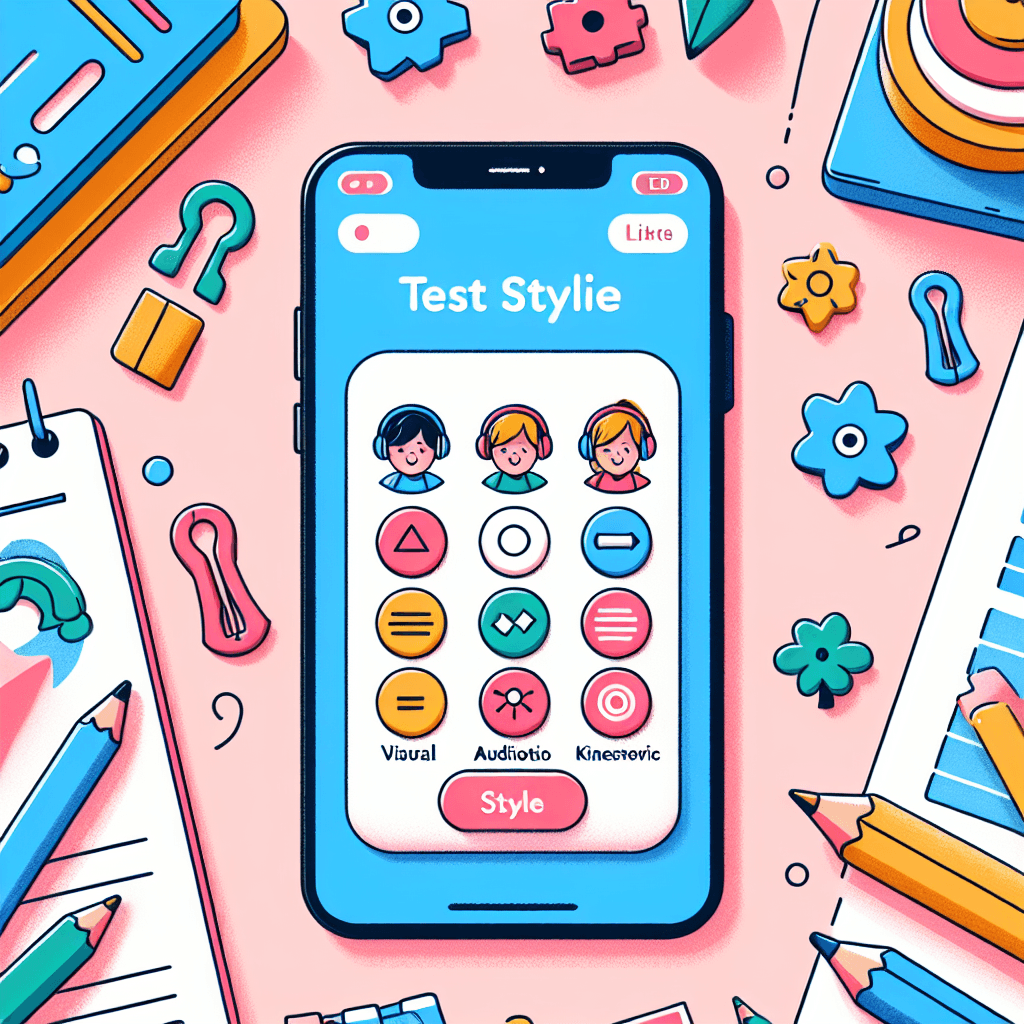
Test-Taking Strategies App Design for Learning Styles
Inquiry Framework
Question Framework
Driving Question
The overarching question that guides the entire project.How can we design a test-taking app prototype that effectively suggests personalized strategies, enhancing user experience through technology?Essential Questions
Supporting questions that break down major concepts.- What are the different types of test-taking strategies and how do they cater to various learning styles?
- How can technology be utilized to enhance personalized learning experiences?
- What are the key features and user interface components needed for an effective test-taking app?
Standards & Learning Goals
Learning Goals
By the end of this project, students will be able to:- Students will understand various test-taking strategies and how these can be aligned with different learning styles.
- Students will design and develop a test-taking app prototype with key features that enhance user experience.
- Students will use digital tools to research and apply findings to the app design process.
- Students will collaborate to integrate technology and information to create a seamless user interface.
- Students will critically evaluate and choose appropriate platforms and tools for app development.
ISTE Standards for Students
Common Core Standards
Entry Events
Events that will be used to introduce the project to studentsGamified Strategy Exploration
Students participate in an interactive game that rewards strategic thinking. They navigate through different 'levels' which represent various test formats (multiple choice, essays, etc.). This simulation challenges conventional note-taking and strategizing and connects to personal experiences with gaming, thus catering to technology-oriented interests.Portfolio Activities
Portfolio Activities
These activities progressively build towards your learning goals, with each submission contributing to the student's final portfolio.Test-Taking Strategy Detective
Students research various test-taking strategies and align them with learning styles, helping them understand how different strategies work best for different learners.Steps
Here is some basic scaffolding to help students complete the activity.Final Product
What students will submit as the final product of the activityA detailed report linking test-taking strategies to specific learning styles.Alignment
How this activity aligns with the learning objectives & standardsAligns with CCSS.ELA-LITERACY.CCRA.W.7 for conducting research projects on focused questions.App Feature Blueprinting
Students collaboratively plan key features of the test-taking app, ensuring it aligns with user needs and preferences.Steps
Here is some basic scaffolding to help students complete the activity.Final Product
What students will submit as the final product of the activityA blueprint of the app's key features and functionalities.Alignment
How this activity aligns with the learning objectives & standardsSupports ISTE.4.b by using digital tools to plan and manage a design process.Prototype Platform Selection
In this activity, students evaluate different digital platforms to choose the most appropriate for their app prototype.Steps
Here is some basic scaffolding to help students complete the activity.Final Product
What students will submit as the final product of the activityA justified selection of the best-suited platform for app development.Alignment
How this activity aligns with the learning objectives & standardsAligns with ISTE.6.a in choosing appropriate platforms and tools for desired objectives.Design Your User Interface
Students create a mock-up of their app's user interface, incorporating digital media to enhance user experience.Steps
Here is some basic scaffolding to help students complete the activity.Final Product
What students will submit as the final product of the activityA mock-up of the app's user interface with integrated digital media.Alignment
How this activity aligns with the learning objectives & standardsAligns with CCSS.ELA-LITERACY.CCRA.SL.5 by using digital media strategically to enhance presentations.App Feedback and Iteration
Students present their app prototypes, gather feedback from peers, and refine their designs based on this feedback.Steps
Here is some basic scaffolding to help students complete the activity.Final Product
What students will submit as the final product of the activityAn iterated app prototype that incorporates peer feedback.Alignment
How this activity aligns with the learning objectives & standardsSupports ISTE.1.c by using feedback to improve their practice and demonstrate learning.Rubric & Reflection
Portfolio Rubric
Grading criteria for assessing the overall project portfolioTest-Taking App Prototype Evaluation
Research and Analysis
Evaluates students’ ability to conduct thorough research on test-taking strategies and relate them to learning styles.Research Depth
Degree to which the students thoroughly explored test-taking strategies and learning styles.
Exemplary
4 PointsExtensive and detailed research on multiple strategies and learning styles, with comprehensive integration of findings.
Proficient
3 PointsThorough research with a clear connection between strategies and learning styles, showing a good understanding.
Developing
2 PointsBasic research with some understanding of strategies and learning styles, but lacks depth.
Beginning
1 PointsMinimal research performed with unclear links between strategies and learning styles.
Analysis and Synthesis
Ability to analyze research findings and synthesize information effectively.
Exemplary
4 PointsInsightful analysis with clear synthesis of ideas, leading to innovative connections between research findings.
Proficient
3 PointsClear analysis and synthesis of ideas with logical connections between research findings.
Developing
2 PointsBasic analysis with limited synthesis and superficial connections between findings.
Beginning
1 PointsMinimal analysis or synthesis, with disconnected or unclear findings.
Design and Innovation
Assesses creativity and effectiveness in designing app features and user interfaces.Feature Creativity
Inventiveness and relevance of features designed for the app.
Exemplary
4 PointsHighly creative features that are both innovative and highly relevant to user needs.
Proficient
3 PointsCreative features that are relevant and generally meet user needs.
Developing
2 PointsSomewhat creative features, with minor relevance to user needs.
Beginning
1 PointsLimited creativity in features, with little relevance to user needs.
Interface Design
Effectiveness and appeal of the app's user interface design.
Exemplary
4 PointsExceptionally effective, appealing, and user-friendly interface design that significantly enhances user experience.
Proficient
3 PointsEffective and appealing interface design that enhances user experience.
Developing
2 PointsBasic and somewhat appealing interface design, with minor enhancements to user experience.
Beginning
1 PointsIneffective and unappealing interface design, with minimal enhancement to user experience.
Technological Application
Evaluates proficiency in selecting and using digital tools for app development.Platform Selection
Appropriateness and justification of the chosen platform for app development.
Exemplary
4 PointsChoice of platform is exceptionally appropriate, with thorough justification and consideration of all factors.
Proficient
3 PointsChoice of platform is appropriate and well-justified, with consideration of essential factors.
Developing
2 PointsChoice of platform is somewhat appropriate, with limited justification and consideration of factors.
Beginning
1 PointsChoice of platform is inappropriate or poorly justified, with minimal consideration of factors.
Technology Integration
Ability to effectively integrate technology into the app design process.
Exemplary
4 PointsSeamless and innovative integration of technology that significantly enhances app functionality.
Proficient
3 PointsEffective integration of technology that enhances app functionality.
Developing
2 PointsBasic integration of technology, with limited enhancement of app functionality.
Beginning
1 PointsMinimal integration of technology, with no significant enhancement of app functionality.
Collaboration and Feedback Incorporation
Assesses students’ collaborative efforts and their ability to incorporate peer feedback.Collaboration
Quality of student contribution to group work and collaborative processes.
Exemplary
4 PointsExceptional contribution and leadership in collaborative settings, fostering a positive and productive team environment.
Proficient
3 PointsConsistent and effective contribution to collaborative settings, with positive group dynamics.
Developing
2 PointsInconsistent contribution with some positive group interaction.
Beginning
1 PointsMinimal contribution to group work, with limited interaction.
Feedback Integration
Effectiveness in incorporating feedback to refine the app prototype.
Exemplary
4 PointsFeedback is thoroughly analyzed and effectively integrated into substantial improvements.
Proficient
3 PointsFeedback is analyzed and integrated into sensible improvements.
Developing
2 PointsFeedback is partially considered with limited integration into improvements.
Beginning
1 PointsFeedback is ignored or minimally considered, with negligible improvements.