
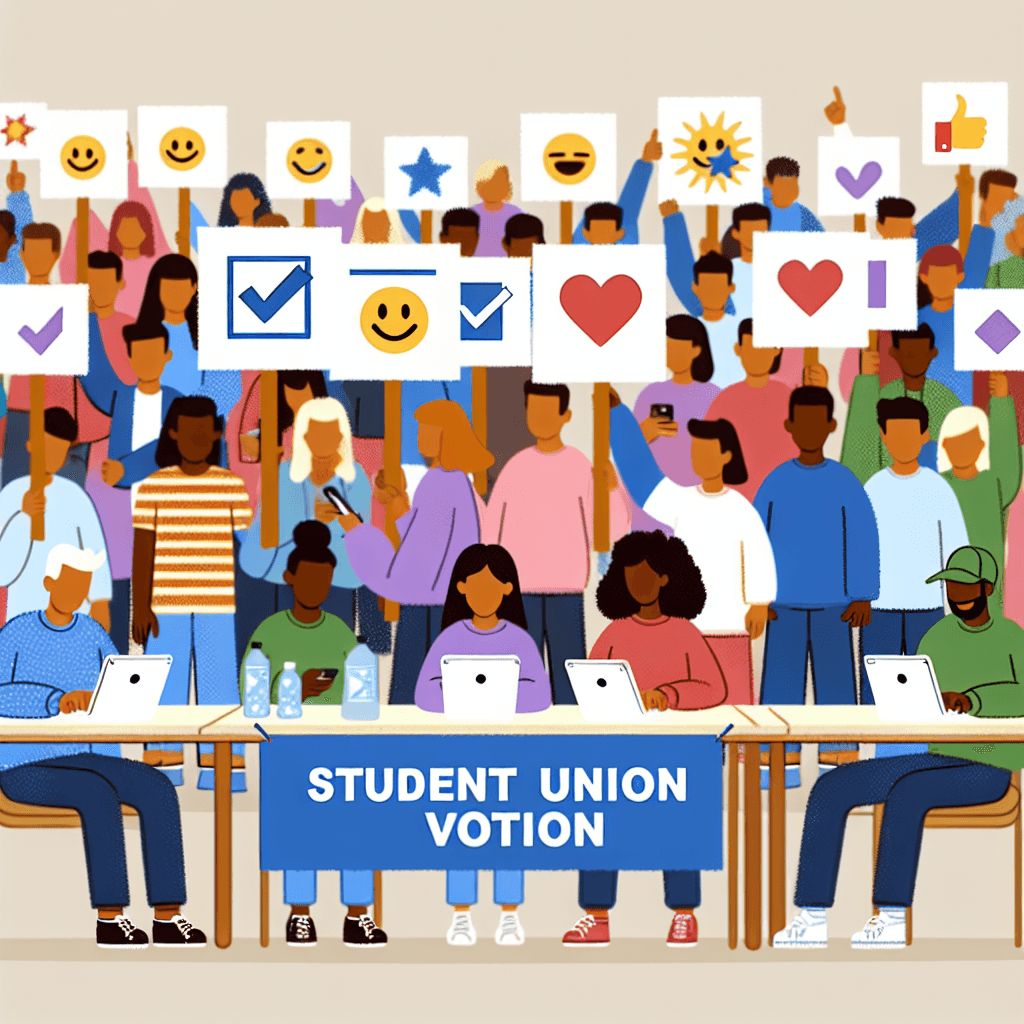
The Emoji Election: Simplified Student Union Voting System
Inquiry Framework
Question Framework
Driving Question
The overarching question that guides the entire project.How can we design a clear and easy-to-use emoji voting screen to help the students at Debre Tabor University choose their leaders without any confusion?Essential Questions
Supporting questions that break down major concepts.- What are emojis, and how can they help us share information without using words?
- How can we design a screen with buttons that are easy for everyone to see and touch?
- Why is it important for a voting system to be clear and not confuse the people using it?
- How do we arrange emojis on a screen so that a voter knows exactly who they are choosing?
- How can we test our 'Emoji Election' app to make sure it works the same way every time?
Standards & Learning Goals
Learning Goals
By the end of this project, students will be able to:- Students will identify how visual symbols (emojis) can represent choices and communicate information clearly without relying solely on text.
- Students will design a sequence of digital screens (a user interface) that allows a user to navigate from a start screen to a final confirmation.
- Students will apply basic principles of accessibility, such as button size and spacing, to ensure their interface is easy for different users to operate.
- Students will conduct peer testing on their prototypes and explain how user feedback can be used to improve the clarity of a design.
- Students will articulate the importance of fairness and accuracy in a voting system, connecting digital design to real-world community needs.
CSTA K-12 Computer Science Standards
Common Core State Standards for English Language Arts
Entry Events
Events that will be used to introduce the project to studentsThe Great Ballot Breakdown
A mock 'Breaking News' video from the Debre Tabor University Student Union announces that due to a massive translation error in the last text-based ballot, the election results were nullified. Students are challenged to act as 'Digital Architects' to ensure that every student, regardless of their primary language or technical literacy, can vote accurately using a visual-first interface.Portfolio Activities
Portfolio Activities
These activities progressively build towards your learning goals, with each submission contributing to the student's final portfolio.The Emoji Election Decoder
Before designing the app, students must understand that symbols (emojis) carry meaning. In this activity, students act as 'Symbol Specialists' to select emojis that represent different candidate qualities (e.g., a book for a studious leader, a soccer ball for an active leader). This helps them understand how data can be represented visually rather than just through text.Steps
Here is some basic scaffolding to help students complete the activity.Final Product
What students will submit as the final product of the activityAn 'Election Emoji Key'—a poster showing four different emojis and a written or dictated explanation of what kind of candidate each emoji represents for the Debre Tabor University election.Alignment
How this activity aligns with the learning objectives & standardsThis activity directly addresses CSTA 1A-DA-06 (Collect and present the same data in various visual formats) by teaching students how digital symbols can represent complex choices or people.The Voter's Path Storyboard
Students become 'Logic Planners' by breaking down the voting process into a simple 3-step sequence. This helps them understand the algorithm of a user interface: Start, Action, and Result. They will map out what happens first, second, and third in their app.Steps
Here is some basic scaffolding to help students complete the activity.Final Product
What students will submit as the final product of the activityA 3-panel Storyboard (The Voter’s Journey) showing the Start Screen, the Selection Screen, and the 'Thank You for Voting' Confirmation Screen.Alignment
How this activity aligns with the learning objectives & standardsThis activity aligns with CSTA 1A-AP-11 (Decompose steps into a precise sequence). Students are breaking the complex act of 'voting' into manageable digital steps.The Big Button Blueprint
Acting as 'UI (User Interface) Designers,' students will create a full-sized paper prototype of the main voting screen. They will focus on accessibility, ensuring that buttons are large enough for a thumb to press and spaced far enough apart to avoid mistakes.Steps
Here is some basic scaffolding to help students complete the activity.Final Product
What students will submit as the final product of the activityA large-scale Paper Tablet Prototype of the 'Voting Screen' featuring the 4 candidate emojis as large, clickable buttons.Alignment
How this activity aligns with the learning objectives & standardsThis aligns with CSTA 1A-AP-08 (Model daily processes by creating algorithms). It focuses on the physical layout and the 'logic' of where buttons should go to make the process easy to follow.The Tech Transformation Tale
Students will reflect on the 'Great Ballot Breakdown' mentioned in the entry event. They will compare the old, confusing text-based ballots with their new, clear emoji-based system to show why their computer science solution is better for the university.Steps
Here is some basic scaffolding to help students complete the activity.Final Product
What students will submit as the final product of the activityA 'Then vs. Now' Comparison Poster with two drawings: one of a confused student using a paper ballot and one of a happy student using the Emoji App.Alignment
How this activity aligns with the learning objectives & standardsThis activity meets CSTA 1A-IC-16 (Compare how people live and work before and after new technology). It helps students articulate the value of their design in a real-world context.The Pilot Test & Polished Product
In the final stage, students act as 'User Researchers.' They will swap prototypes with a partner. The partner will 'test' the app by pretending to vote, while the designer watches for any confusion. They will then have a conversation about how to make the buttons even easier to see.Steps
Here is some basic scaffolding to help students complete the activity.Final Product
What students will submit as the final product of the activityThe 'Final Vetting' Report—a simple checklist showing that a peer successfully voted on their app, plus one 'Update' they made based on feedback.Alignment
How this activity aligns with the learning objectives & standardsThis activity aligns with CCSS.ELA-LITERACY.SL.1.1 (Collaborative conversations). It focuses on giving and receiving feedback to improve a digital product.Rubric & Reflection
Portfolio Rubric
Grading criteria for assessing the overall project portfolioThe Emoji Election Excellence Rubric
Data & Symbolism
Assesses the student's ability to use visual symbols (emojis) to communicate complex information and represent data.Symbolic Representation (The Decoder)
Students select and explain emojis that represent specific candidate qualities, demonstrating how digital symbols represent data (1A-DA-06).
Exemplary
4 PointsThe student selects 4 emojis that clearly represent unique candidate traits and provides insightful, creative justifications for each choice that show a deep understanding of symbolic representation.
Proficient
3 PointsThe student selects 4 emojis and provides a clear explanation for how each symbol represents a candidate's quality (e.g., 'The book means they are smart').
Developing
2 PointsThe student selects emojis but the connection to candidate qualities is vague or inconsistent, or fewer than 4 emojis are used.
Beginning
1 PointsThe student selects emojis at random with no clear explanation of what they represent or how they function as symbols.
Computational Thinking
Assesses the student's ability to decompose a process into logical, sequential steps for a digital interface.Algorithmic Sequencing (The Storyboard)
Students break down the voting process into a precise 3-step sequence: Start, Vote, and Confirmation (1A-AP-11, 1A-AP-08).
Exemplary
4 PointsThe storyboard shows a flawless 3-step sequence with added visual cues (like arrows or transitions) that make the 'Voter's Journey' exceptionally easy to follow.
Proficient
3 PointsThe storyboard clearly depicts three logical steps: a Start screen, a Selection screen, and a Confirmation/Thank You screen in the correct order.
Developing
2 PointsThe storyboard includes the steps but they may be out of order, or one key step (like the confirmation) is missing or unclear.
Beginning
1 PointsThe storyboard shows unrelated drawings or only a single step of the process, failing to model the sequence of the algorithm.
User Interface Design
Assesses the physical design of the interface, focusing on user experience and accessibility principles.UI Design & Accessibility (The Blueprint)
Students design a paper prototype focusing on button size, spacing, and layout to ensure the app is easy to use for all students.
Exemplary
4 PointsThe prototype demonstrates advanced awareness of the user; buttons are perfectly sized for a thumb, spaced to prevent 'mis-clicks,' and the layout is intuitive and visually appealing.
Proficient
3 PointsThe prototype features large, clear candidate buttons with visible white space between them and a distinct 'Cast Vote' button.
Developing
2 PointsThe prototype is functional but buttons are crowded, too small, or the 'Cast Vote' button is hard to distinguish from the candidates.
Beginning
1 PointsThe prototype layout is confusing, with overlapping elements or buttons that are too small to 'press' effectively.
Social & Global Impact
Assesses the student's ability to recognize and explain how computing technology can improve real-world processes.Impact of Technology (The Tale)
Students compare life/work before and after the new technology, illustrating how the emoji system solves the confusion of text-based ballots (1A-IC-16).
Exemplary
4 PointsThe comparison provides a sophisticated contrast, clearly articulating how the digital solution improves fairness, speed, and understanding for the entire university community.
Proficient
3 PointsThe student successfully draws and explains the 'Then vs. Now' difference, showing a frustrated user with the old system and a happy user with the new emoji system.
Developing
2 PointsThe student identifies a difference between the two systems but struggles to articulate why the emoji version is an improvement for the users.
Beginning
1 PointsThe student draws two pictures but fails to show a meaningful comparison or the impact of the technological change.
Collaboration & Testing
Assesses the student's ability to communicate with others, accept feedback, and use it to improve a digital product.Collaborative Iteration (The Pilot Test)
Students engage in peer testing and use feedback to make a specific, observable improvement to their design (CCSS.ELA-LITERACY.SL.1.1).
Exemplary
4 PointsThe student actively seeks feedback, demonstrates excellent listening skills, and makes a significant, thoughtful change to the design that directly addresses a peer's confusion.
Proficient
3 PointsThe student participates in the pilot test, observes a peer using their prototype, and makes one specific change (e.g., making a button bigger) based on the interaction.
Developing
2 PointsThe student completes the peer test but the 'update' made to the design is not related to the feedback received or is very minimal.
Beginning
1 PointsThe student struggles to collaborate or observe the peer test and does not attempt to modify their design based on external input.