
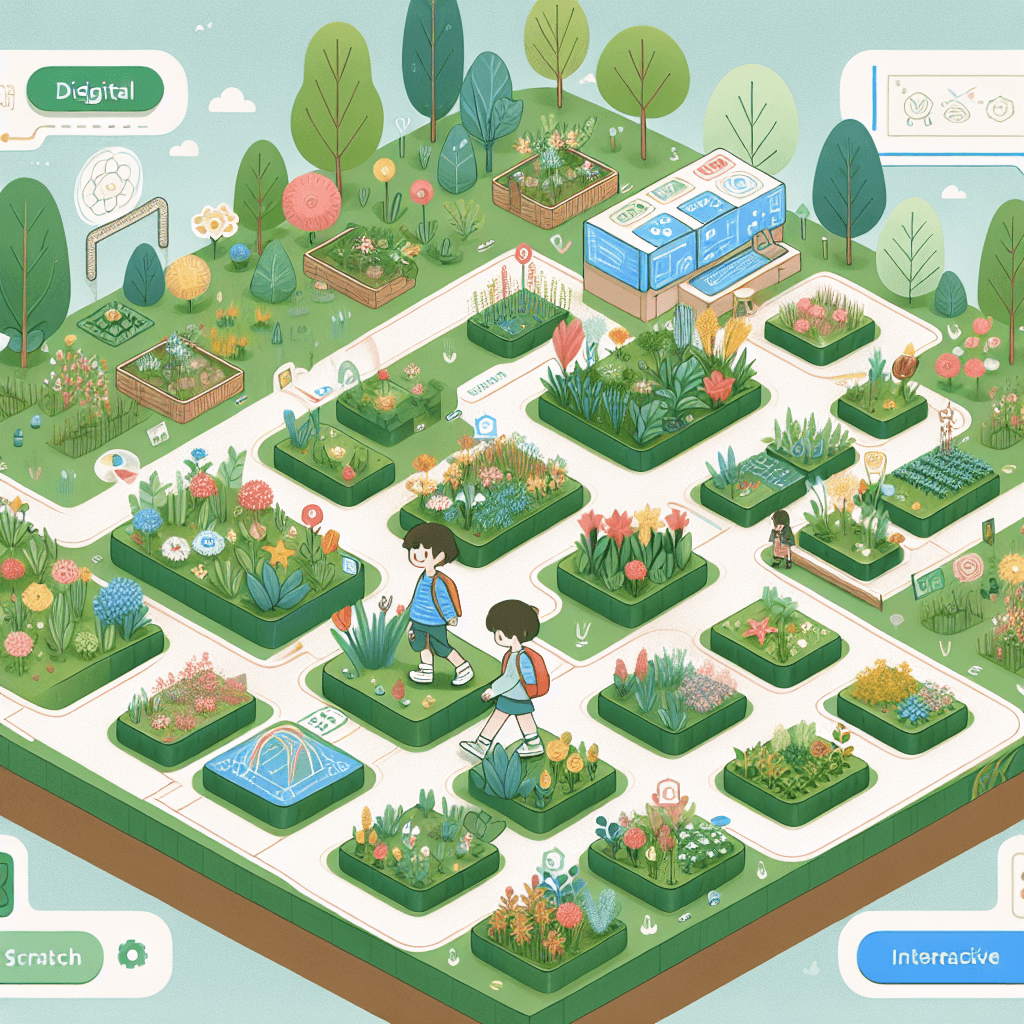
Virtual Botanical Garden Adventure in Scratch
Inquiry Framework
Question Framework
Driving Question
The overarching question that guides the entire project.How can we effectively use digital tools to create an interactive and educational virtual field trip that showcases the diversity and ecological roles of plants at a botanical garden?Essential Questions
Supporting questions that break down major concepts.- What are the key characteristics and functions of the various plant species found in a botanical garden?
- How do plants adapt to their environment and what roles do they play in their ecosystems?
- How can digital tools like Scratch be used to create an interactive narrative of a real-world experience?
- In what ways can technology help us understand and share scientific concepts?
- What elements are necessary to effectively communicate a story or educational experience through a virtual platform?
Standards & Learning Goals
Learning Goals
By the end of this project, students will be able to:- Analyze and document the key characteristics and functions of various plant species found in a botanical garden.
- Describe the ecological roles and adaptations of plants within their environment.
- Utilize digital tools, specifically Scratch, to create an interactive virtual field trip experience.
- Apply principles of computational thinking to design and program a virtual narrative.
- Effectively communicate scientific concepts and plant biodiversity through digital storytelling.
NGSS
ISTE Standards for Students
CSTA K-12 Computer Science Standards
Entry Events
Events that will be used to introduce the project to studentsVirtual Field TRip in Scratch
Students visit a botanical garden IRL, document their observations using photos and then share it with friends in another country by creating a VFT in scratch.Portfolio Activities
Portfolio Activities
These activities progressively build towards your learning goals, with each submission contributing to the student's final portfolio.Photo to Info: Research Relay
Students analyze their findings from the botanical garden and research each plant to describe their ecological roles and adaptations.Steps
Here is some basic scaffolding to help students complete the activity.Final Product
What students will submit as the final product of the activityA detailed digital portfolio of each plant's ecological roles, adaptations, and importance in ecosystems.Alignment
How this activity aligns with the learning objectives & standardsMeets NGSS 5-PS3-1 and 5-LS2-1 by analyzing energy flow from sun to plants and their ecological impact.Scratch Scene Designers: Virtual Architects
Using Scratch, students begin to design the virtual field trip experience by creating scenes and scripting narratives based on their research.Steps
Here is some basic scaffolding to help students complete the activity.Final Product
What students will submit as the final product of the activityInitial Scratch scenes complete with interactive elements and basic narratives.Alignment
How this activity aligns with the learning objectives & standardsSupports ISTE 5.CS-T.1 by designing a solution through programming. Aligns with CSTA 5-CT-C.3 by creating a computational artifact.Interactive Integrators: Code Connection
Students integrate all components of their virtual field trip in Scratch, focusing on interactivity and user engagement.Steps
Here is some basic scaffolding to help students complete the activity.Final Product
What students will submit as the final product of the activityA fully interactive virtual field trip in Scratch featuring educational content on plants and ecosystems.Alignment
How this activity aligns with the learning objectives & standardsCompletes preparation for CS and technology standards by fully realizing a digital narrative (ISTE 5.CS-T.1, CSTA 5-CT-C.3).Storytelling Showcase: The Grand Premiere
Students present their completed virtual field trip projects to classmates and, potentially, to an international audience.Steps
Here is some basic scaffolding to help students complete the activity.Final Product
What students will submit as the final product of the activityPublic presentations of virtual field trips, showcasing students' learning and technical skills.Alignment
How this activity aligns with the learning objectives & standardsSupports communication of scientific concepts through digital storytelling, highlighting plant biodiversity and roles (NGSS 5-LS2-1, ISTE 5.CS-T.1).Rubric & Reflection
Portfolio Rubric
Grading criteria for assessing the overall project portfolioVirtual Field Trip in Scratch
Research and Content Knowledge
Assesses the depth and accuracy of students' research on plant species and their ecological roles.Understanding of Plant Characteristics
Evaluates students' ability to accurately describe the characteristics and functions of plants documented during the field trip.
Exemplary
4 PointsDemonstrates a sophisticated understanding of plant characteristics and functions with accurate and detailed descriptions for all selected species.
Proficient
3 PointsDemonstrates a thorough understanding of plant characteristics and functions with accurate descriptions for most selected species.
Developing
2 PointsShows emerging understanding of plant characteristics and functions with some accurate descriptions, but lacks detail.
Beginning
1 PointsShows limited understanding of plant characteristics and functions with inaccurate or incomplete descriptions.
Ecological Roles and Adaptations
Assesses the depth of research and understanding regarding the ecological roles and adaptations of plants.
Exemplary
4 PointsProvides comprehensive evidence and detailed explanations of plant ecological roles and adaptations.
Proficient
3 PointsProvides clear evidence and explanations of plant ecological roles and adaptations with minor omissions.
Developing
2 PointsProvides limited evidence or explanations of plant ecological roles and adaptations with notable gaps.
Beginning
1 PointsProvides insufficient evidence or explanations of plant ecological roles and adaptations, showing little understanding.
Digital Content Creation and Design
Evaluates students' skills in using Scratch to create interactive and educational digital content.Interactive Design and Programming
Assesses students' ability to effectively use Scratch to create interactive and cohesive scenes.
Exemplary
4 PointsExhibits advanced integration of programming skills in Scratch with innovative and seamless interactions.
Proficient
3 PointsIntegrates programming skills in Scratch effectively with functional interactions and minor technical issues.
Developing
2 PointsShows partial skill in programming with Scratch, resulting in basic interactions and noticeable issues.
Beginning
1 PointsStruggles with programming in Scratch, leading to incomplete or non-functional interactions.
Narrative and Storytelling
Evaluates the quality and coherence of the virtual field trip narrative and its educational effectiveness.
Exemplary
4 PointsThe narrative is outstandingly coherent and educational, providing an engaging and informative experience.
Proficient
3 PointsThe narrative is clear and educational, effectively conveying information through the digital medium.
Developing
2 PointsThe narrative lacks coherence or educational depth in parts, affecting engagement and understanding.
Beginning
1 PointsThe narrative is incoherent or largely ineffective in conveying educational content.
Presentation and Communication
Measures students' ability to present their projects and communicate their findings and processes accurately.Presentation Quality
Assesses the preparation and delivery of students' presentations both in class and to external audiences.
Exemplary
4 PointsDemonstrates exceptional presentation skills with clear articulation and engaging delivery.
Proficient
3 PointsDemonstrates effective presentation skills with clear articulation and competent delivery.
Developing
2 PointsShows basic presentation skills with unclear articulation or weak delivery in parts.
Beginning
1 PointsDemonstrates minimal presentation skills with unclear or ineffective delivery.