
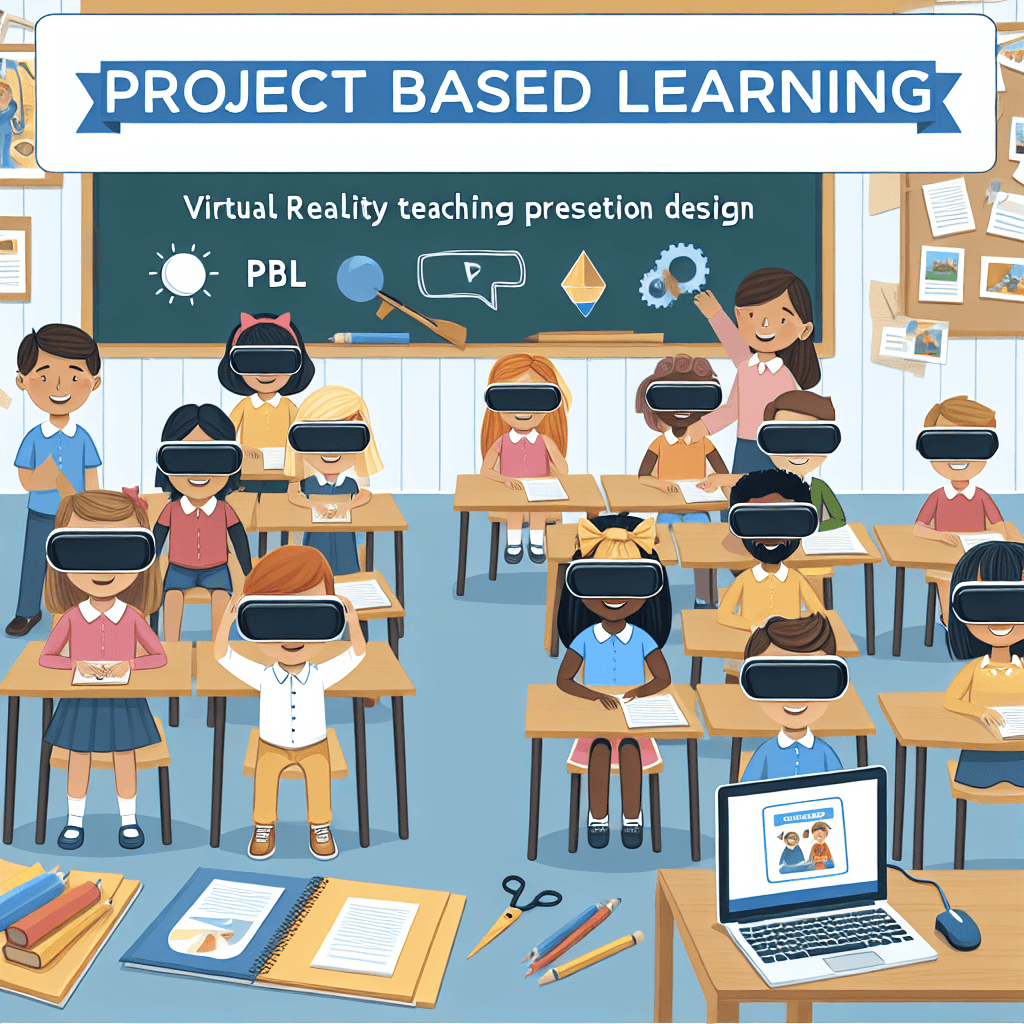
Virtual Reality Teaching Presentation Design
Inquiry Framework
Question Framework
Driving Question
The overarching question that guides the entire project.How can we effectively integrate virtual reality into educational environments to create immersive learning experiences, and how can we leverage tools like Photoshop and PowerPoint to design and present these VR teaching methods?Essential Questions
Supporting questions that break down major concepts.- What is virtual reality and how is it currently being used in education?
- How can Photoshop be leveraged to design compelling visuals for educational presentations?
- What are the essential components of an effective PowerPoint presentation for educational purposes?
Standards & Learning Goals
Learning Goals
By the end of this project, students will be able to:- Understand the application of virtual reality in educational settings and identify current use cases.
- Develop skills in using Photoshop to create visual assets for educational content.
- Learn to create effective PowerPoint presentations that integrate technology to enhance learning.
- Demonstrate knowledge of digital design principles in an educational context.
- Critically evaluate the use of virtual reality in education and propose innovative methods for integration.
ISTE Standards for Students
Common Core Standards
Entry Events
Events that will be used to introduce the project to studentsInteractive VR and AR Workshop
Host an interactive workshop demonstrating the use of Virtual Reality (VR) and Augmented Reality (AR) tools in the educational sector. Invite a guest speaker who is a pioneer in VR education technology to showcase how these tools are transforming teaching, encouraging students to think creatively about integrating VR into lesson plans.Portfolio Activities
Portfolio Activities
These activities progressively build towards your learning goals, with each submission contributing to the student's final portfolio.VR Exploration Adventure
In this activity, students will explore existing VR educational applications to understand current uses and evaluate their effectiveness. This will provide a foundation for creatively thinking about VR integration in education.Steps
Here is some basic scaffolding to help students complete the activity.Final Product
What students will submit as the final product of the activityA comparative analysis report on two VR educational applications, detailing their features, benefits, and potential improvements.Alignment
How this activity aligns with the learning objectives & standardsAligns with ISTE1 by empowering learners to actively research and understand the role of VR in education, using technology for learning exploration.Photoshop Visual Designer
Students will learn to use Photoshop to design compelling and educational visuals. This will include creating layered images that could be used in educational content or teaching materials.Steps
Here is some basic scaffolding to help students complete the activity.Final Product
What students will submit as the final product of the activityA layered Photoshop document featuring a graphic or visual aid designed to support educational objectives.Alignment
How this activity aligns with the learning objectives & standardsAligns with ISTE1 & ISTE4 by actively involving students in digital design, fostering innovation through technology, and demonstrating competency in tech tools.PowerPoint Presentation Prowess
In this activity, students will create a PowerPoint presentation incorporating elements designed in Photoshop. The activity will focus on crafting an educational narrative using digital media.Steps
Here is some basic scaffolding to help students complete the activity.Final Product
What students will submit as the final product of the activityAn interactive PowerPoint presentation complete with integrated visuals illustrating a cohesive educational theme.Alignment
How this activity aligns with the learning objectives & standardsAligns with CCSS.ELA-LITERACY.CCRA.SL.5 by engaging students in leveraging digital media strategically to enhance presentation effectiveness.Rubric & Reflection
Portfolio Rubric
Grading criteria for assessing the overall project portfolioVirtual Reality in Education Presentation Rubric
Research and Analysis
Evaluates the depth and quality of research conducted on virtual reality educational applications and the critical analysis provided.Depth of Research
Measures the comprehensiveness and relevance of research on VR applications.
Exemplary
4 PointsResearch demonstrates a thorough investigation into multiple aspects of VR applications, with diverse and highly relevant sources.
Proficient
3 PointsResearch includes a detailed investigation with relevant sources, covering key aspects of VR applications.
Developing
2 PointsResearch is basic, covering minimal aspects of VR applications, with limited source relevance.
Beginning
1 PointsResearch is superficial with insignificant sources and minimal focus on VR applications.
Critical Analysis
Assesses the ability to critically analyze VR educational applications and suggest improvements.
Exemplary
4 PointsProvides insightful critique and innovative suggestions for improvement that reflect a sophisticated understanding.
Proficient
3 PointsOffers a thoughtful critique and viable suggestions for improvement based on a good understanding.
Developing
2 PointsAnalysis is simplistic with few suggestions, showing a basic understanding.
Beginning
1 PointsOffers minimal critique with no clear suggestions, reflecting initial understanding.
Digital Design Skills
Focuses on the application of Photoshop for creating educational visuals and the integration of these elements into PowerPoint.Photoshop Proficiency
Evaluates the technical use and creative application of Photoshop tools in designing educational visuals.
Exemplary
4 PointsDemonstrates advanced use of Photoshop tools to create highly creative and relevant educational visuals.
Proficient
3 PointsEffectively uses Photoshop tools to create educational visuals that are clear and relevant.
Developing
2 PointsBasic use of Photoshop tools, resulting in simple visuals with limited creativity and relevance.
Beginning
1 PointsStruggles to use Photoshop tools, generating incoherent or irrelevant visuals.
PowerPoint Integration
Assesses the ability to integrate Photoshop elements into PowerPoint presentations effectively.
Exemplary
4 PointsSeamlessly integrates visuals, demonstrating innovative and engaging presentation techniques.
Proficient
3 PointsSuccessfully integrates visuals into a coherent and clear presentation.
Developing
2 PointsIntegrates visuals with some gaps in clarity or relevance to the presentation.
Beginning
1 PointsFaces challenges integrating visuals, resulting in a disjointed presentation.
Presentation and Communication
Evaluates the ability to effectively communicate ideas and deliver a compelling educational presentation.Clarity of Communication
Measures how clearly and effectively the presentation is communicated.
Exemplary
4 PointsDelivers communication with exceptional clarity, engagement, and depth, enhancing audience understanding.
Proficient
3 PointsCommunicates with clarity and engagement, effectively delivering the educational content.
Developing
2 PointsCommunication is basic, with occasional lapses in clarity or engagement.
Beginning
1 PointsStruggles with clear communication, limiting audience understanding and engagement.